A missed appointment is rarely forgotten. It was written down somewhere you don't look on a wet Tuesday morning when the school run is running late. That is the real argument between paper and digital: not which one is cleverer, but which one you will actually check at the moment it matters.
Both systems work. They just fail in different ways.
Where paper still wins
A paper planner asks nothing of you. No unlocking, no charging, no update. It opens flat on the kitchen table and shows you a week at once. If it lives on the fridge or by the kettle, it quietly catches the whole household — the dentist letter, the non-uniform day, the fact that your partner is out on Thursday.
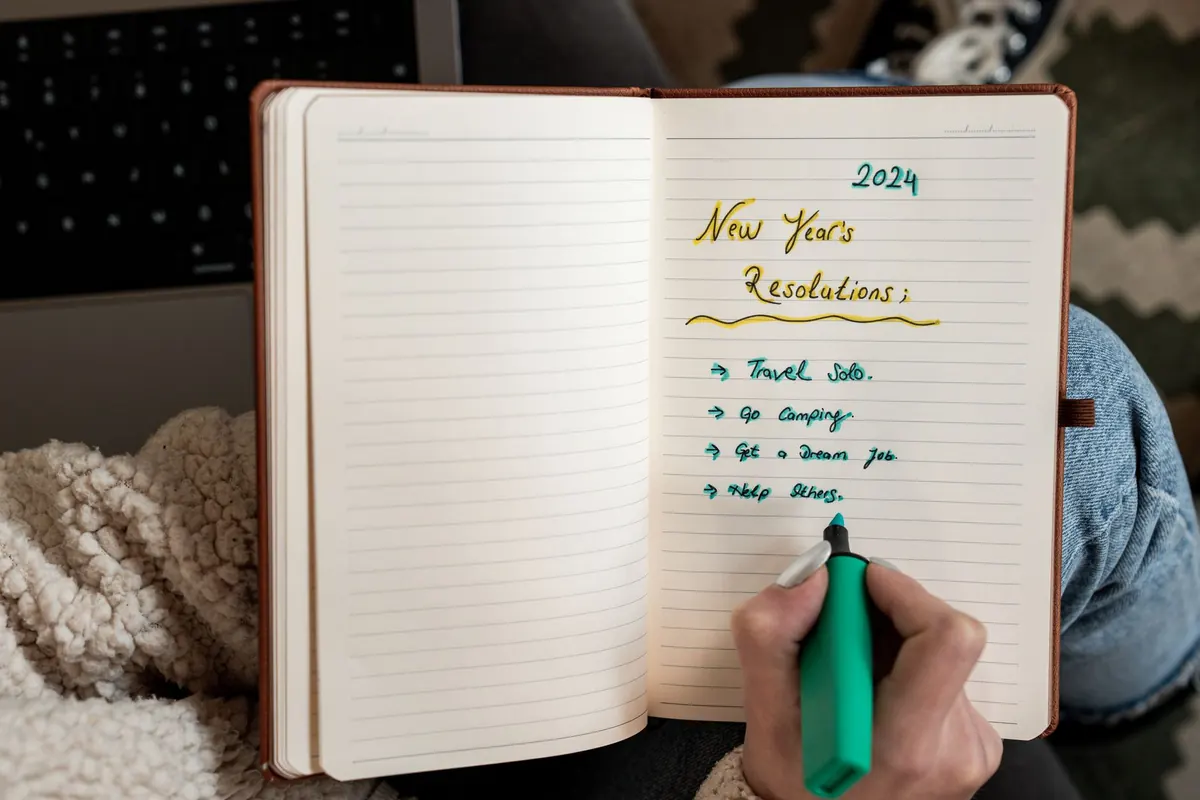
Paper is also honest. Handwriting an appointment takes a few seconds, and those seconds help you remember it. A wall planner gives you the shape of a month in one glance, which is hard to replicate by swiping through a phone.
Its weakness is equally simple: a paper planner never chases you. If the notebook is in a bag in the hallway, the reminder is invisible. And when you're out, you can't check it or share it with anyone.
Where a digital calendar pulls ahead
Digital reminders do the one thing paper cannot: they interrupt you. An alert at 7pm the night before a boiler service is worth more than a neatly written entry you'll never see that evening.
Four things make digital genuinely useful for UK households:
- Repetition. MOT, boiler service, water filter, contact lens order, annual boiler cover — set once and forget.
- Sharing. A shared calendar ends the "I thought you were collecting them" argument faster than any conversation.
- Search. You can find when you last saw the dentist, or when the tenancy ends.
- Travel. Time zones, flight times and check-in windows are things paper handles badly.
The catch is notification blindness. If your phone buzzes twenty times a day, a reminder about the MOT gets swiped away with the supermarket offers. Digital only works if you set fewer, louder alerts.
Bills and renewals: the case for two layers
Money reminders need to arrive before the money moves, not on the day. A calendar entry saying "broadband Direct Debit — £38" on the 12th is useless if the payment leaves on the 12th. Set the alert for the 8th, when you can still move money across.
Paper is surprisingly good for the wider picture. A single "money page" — one sheet, updated monthly, listing every Direct Debit, standing order and subscription with its date — gives you a view no app quite matches. Pair it with digital alerts for the moving parts:
- Add a recurring monthly entry for each Direct Debit, with an alert three to five days before.
- Note renewals a month early: car insurance, breakdown cover, home insurance, TV Licence, car tax. The renewal window is when you can still compare prices rather than accept whatever arrives.
- Keep one recurring reminder for anything with a fixed national deadline. Self Assessment, for example, is due by 31 January — a prompt at the start of December gives you time to gather paperwork rather than panic.
Council tax is worth a moment's thought too. Instalments are often spread over ten months rather than twelve, so February and March can feel heavier than expected. Write the dates down once and you will stop being surprised.
Birthdays: digital nudge, paper effort
Digital calendars are excellent at telling you a birthday exists. They are no help at all in buying a present. The reliable approach is to split the job: let the calendar carry the date, and use a single note — phone or notebook, but only one — for ideas. "Keen on birdwatching", "mentioned a specific cookbook", "size 6 socks". Add to it when you think of it, not in December.
Then set a second reminder a week before, for cards and stamps. Buying a book of stamps in January quietly removes one small friction for the rest of the year.
Travel reminders need layers
Travel is where digital clearly wins, because there are so many moving parts and several of them sit outside your control. A paper itinerary in your bag is still a comfort, but the working reminders should be digital:
- Passport validity and any visa or entry requirements — check the destination's rules on the official government guidance rather than a forum.
- Travel insurance, booked when you book the trip, not the night before.
- Advance train tickets, which are typically released around twelve weeks ahead for many routes — set a reminder for when booking opens.
- Online check-in, usually opening a day or two before departure.
- Airport parking, taxi or the last train home.
- House things: bins out, someone watering plants, a neighbour with a key.
- Prescriptions ordered early enough to cover the trip.
If money or legal matters are involved — a visa, a contract, insurance cover — check the current official guidance or speak to a qualified adviser. Reminders organise dates; they cannot tell you whether the paperwork is correct.
A hybrid system that actually holds
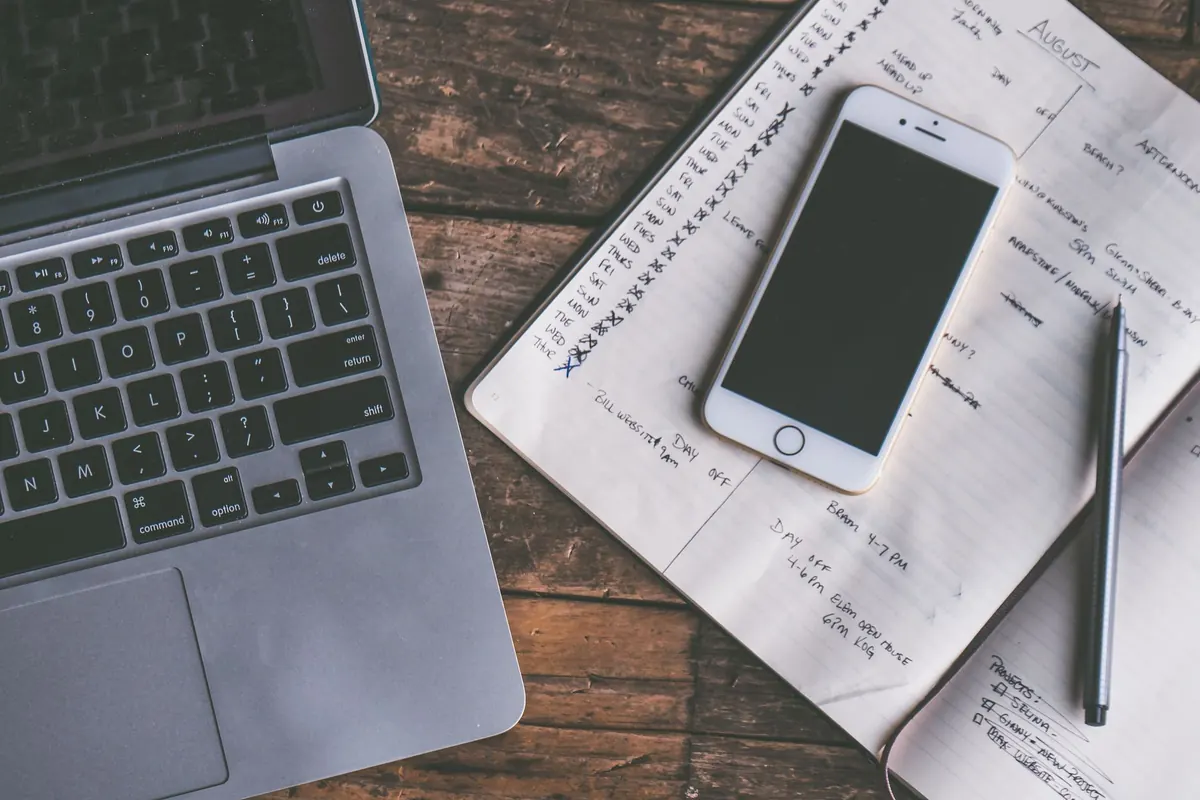
You do not have to choose. Most organised people run both, with a clear rule about what goes where.
- Digital gets anything with a time and a person. Appointments, calls, flights, shared plans.
- Paper gets the week. One visible surface — fridge, desk, hallway — showing the next seven days.
- Sunday evening, ten minutes. Copy anything coming up from paper to digital, tick off what's done, add what's new.
- Hard deadlines get an alarm. Not a notification. An alarm, set for a time you'll be near your phone.
- Prune every month. Delete finished entries and expired alerts. A tidy system is a trusted one.
Pick a default and protect it
If you live with other people, travel often, or work shifts, make digital your default and keep paper for the week ahead. If you're drowning in notifications, work at a desk, or run a busy household, make paper the default and use phone alarms only for the handful of deadlines you genuinely cannot miss.
The one rule that matters: a given type of reminder should live in exactly one place. Duplicate it in three systems and you'll stop trusting all of them. Try a two-week test, notice what you missed, and move that category across. Everything else can stay where it is.